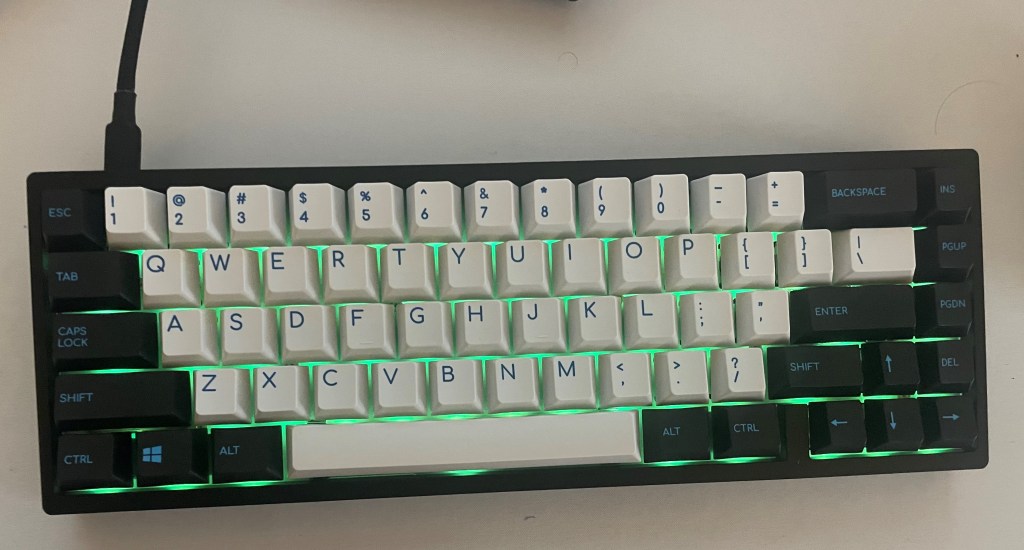
I recently finished building the KBDFans KBD 67 Lite, an entry-level keyboard, which was a great fit for someone who has never built a keyboard, such as myself. I went through the full process of building any keyboard from lubing my switches to installing the PCB. However, I took a few shortcuts that would be absent from any professional keyboard build, which will be mentioned later in this article. My build featured the full KBD 67 Lite R3 kit, Gateron red switches, the KBD 67 lite series’ compatible Caribbean Keycaps, and Glorious’ G-lube.
Lubing my Switches:
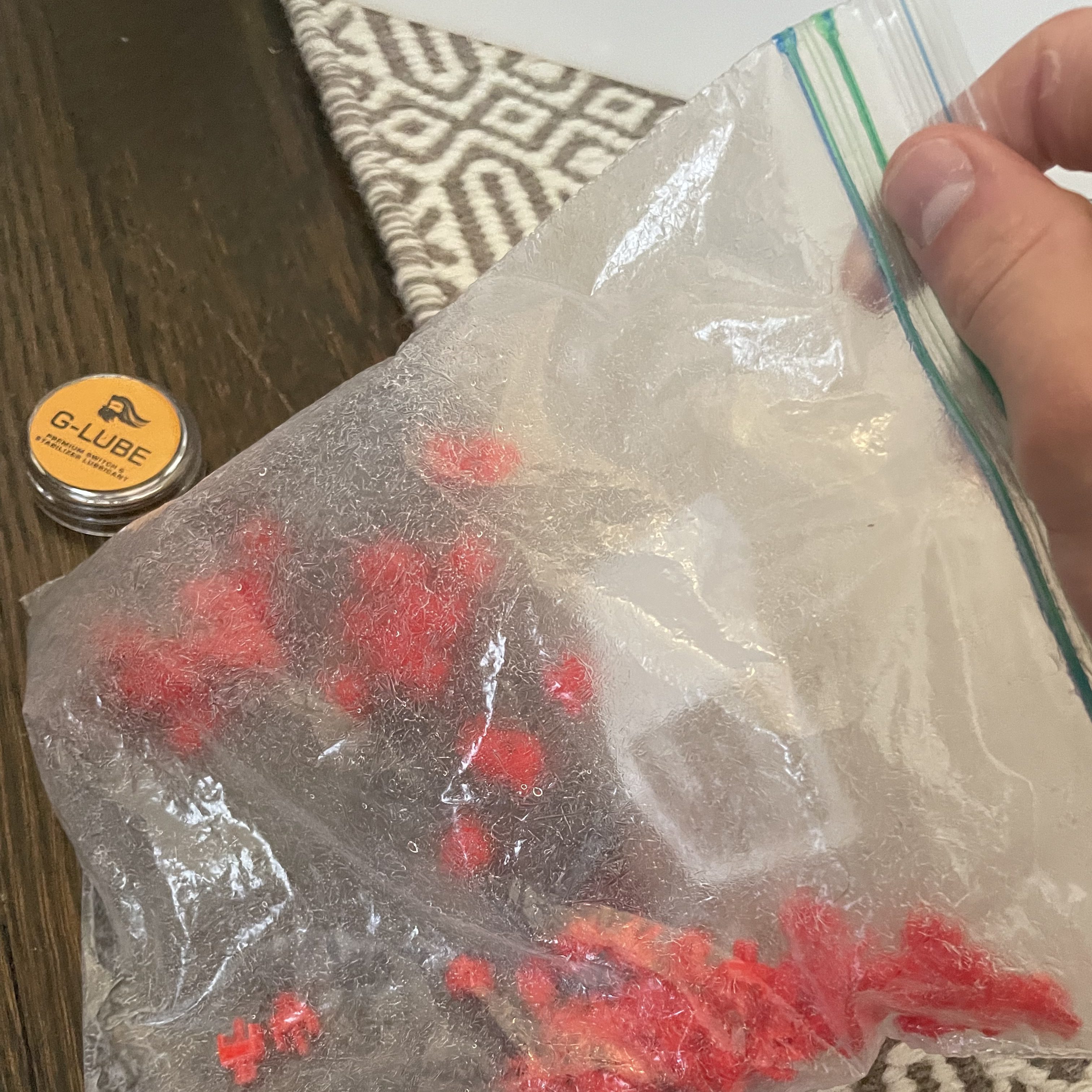
For many, lubing keyboard switches is a painful and arduous task that requires hours of painstaking work to evenly apply lube to every single switch. Going into this build, I knew I would not be able to do a good job applying an even coat of lube to each switch, and after attempting to lube a switch with a paintbrush, I used way too much lube. So, I grabbed 67 of my switches and bag-lubed their stems and springs. Now lubing full switches is what YouTuber BadSeed Tech calls “degenerate behavior” because it can often lead to very over-lubed switches. Therefore, I opted to completely skip lubing the housings in order to hopefully cancel out the effect of the over-lubed stems. This process took about an hour, which is a great improvement compared to the 3-4 hours I would spend lubing the switches normally. After lubing my switches I lubed my stabilizers with a paintbrush the normal way.
Assembling the Keyboard:
After lubing the key switches, the building process was quite straightforward. I followed instructions from a tutorial I found on youtube (linked below), completing the build without any major problems. However, I would advise anyone planning to build this or any keyboard with hot-swappable switches to make sure to insert the switches and click their contacts into place with care. Keyboard switch contacts can often be bent when the switch is clicked into place. If certain keys are not working when the keyboard is finished, make sure to check the key switches to see if their contacts to the PCB are bent. In terms of ease of assembly, I would completely recommend the KBD 67 lite, especially because it includes hot-swappable switches and an abundance of tutorials. Additionally, the KDB 67 lite kit accounts for many of the mods that keyboard enthusiasts make to their keyboards by including a silicon dampening pad in the design and small stick-on strips for the keyboard’s stabilizers.
Resources: These videos are incredibly helpful for building the KDB 67 Lite or lubing switches.
 The Overclock
Test
LikeLike